NewAn AI copilot that schedules and resizes for you

Menu boards, shop windows, lobby TVs, gym screens. Pair any screen with a short code, build a loop, schedule it by time of day, then see proof it actually played.
Free forever on 1 screen
Keeps your existing screens
No card required
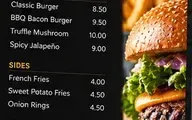
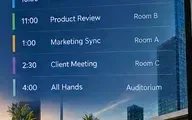
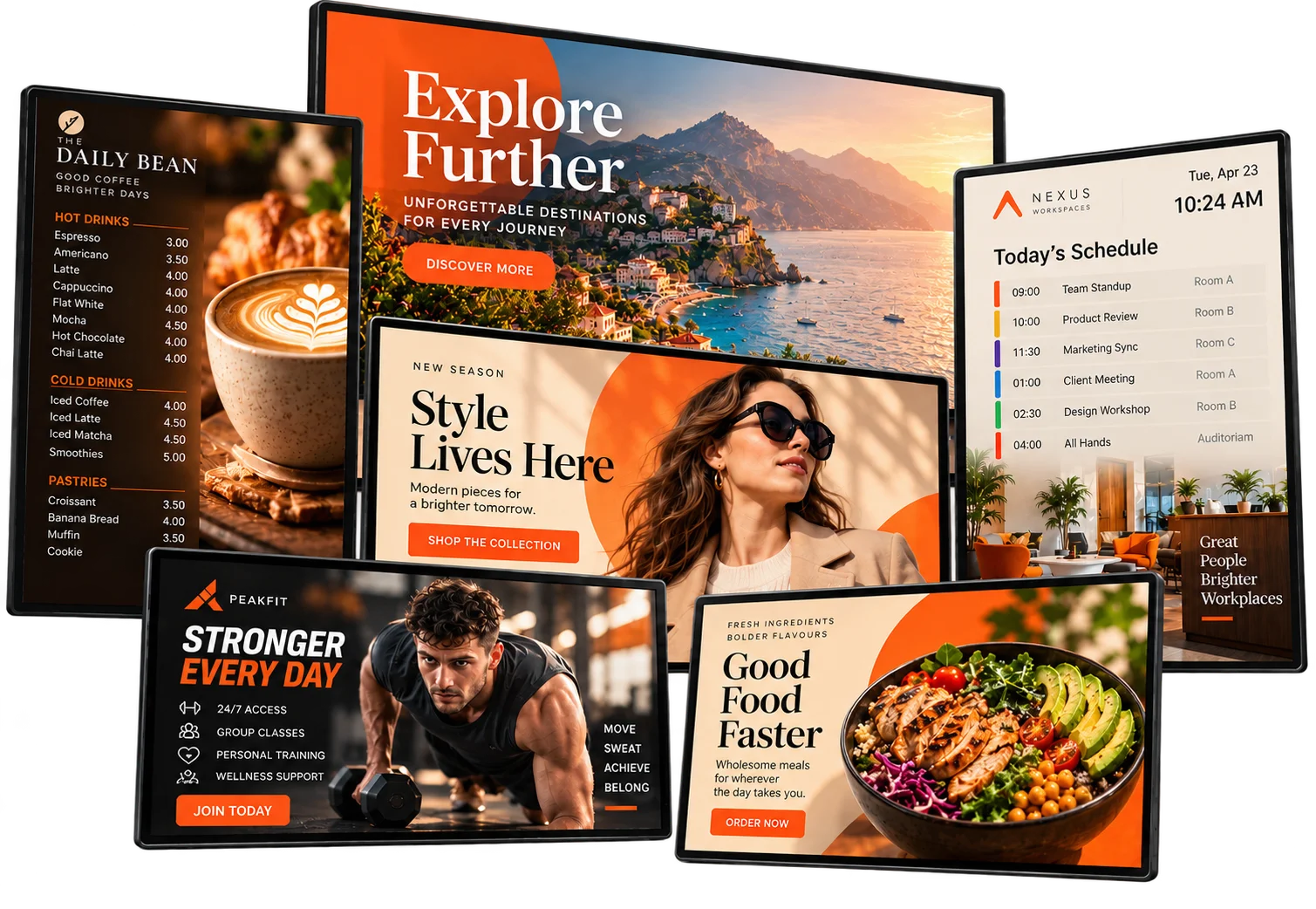
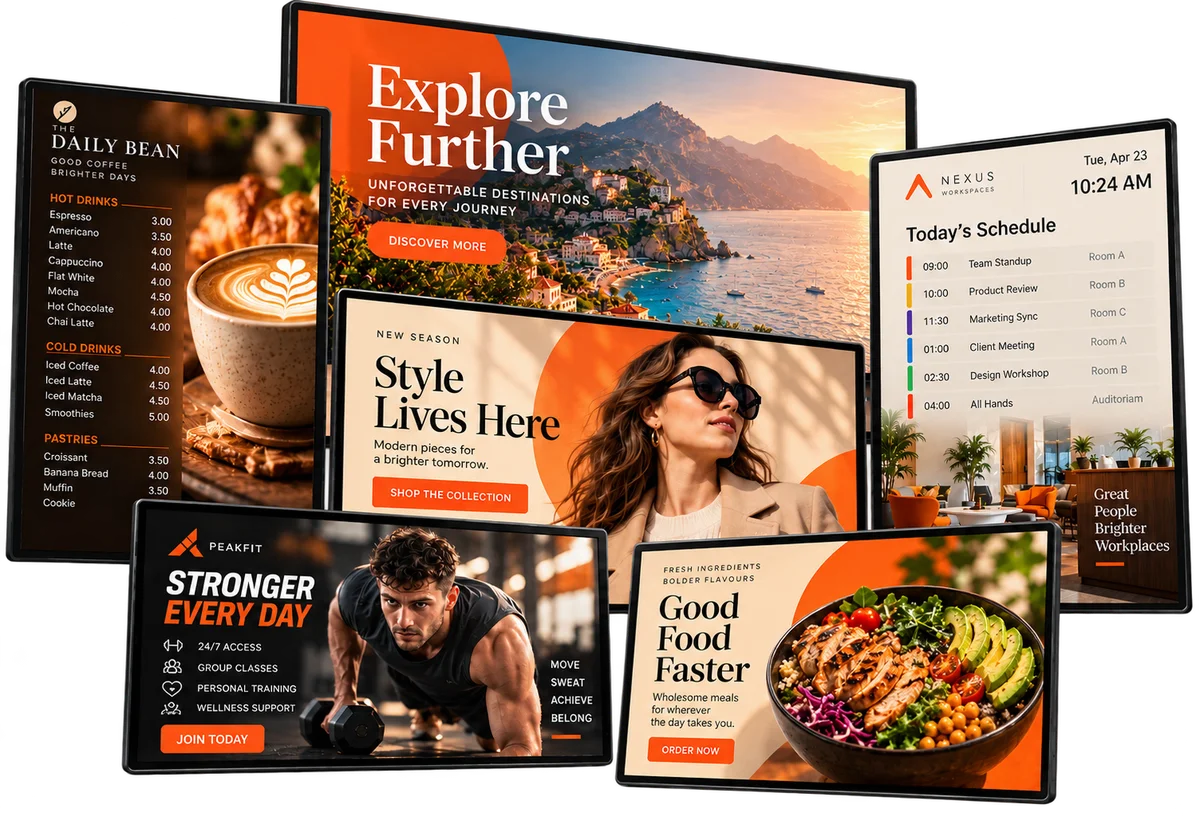
A cluster of screens running a café menu, a travel ad, a fashion promo, a gym ad, a healthy-food ad and an office schedule, all connected to one Pixeliv dashboard
4 min
TO FIRST SCREEN LIVE
12k+
SCREENS RUNNING
99.9%
PLAYER UPTIME
6 roles
OWNER TO CLIENT GUEST
TRUSTED BY TEAMS RUNNING 12,000+ SCREENS
Northside Group
Maple Café
Riverside Retail
Brightfold
Canal Transit
THE PROBLEM

Screens are easy to buy. Keeping them right is the hard part.

Most screen networks don't fail on hardware. They fail on stale content, dark screens nobody notices, slow approvals, and no way to prove any of it worked. Flip the switch to see the difference.
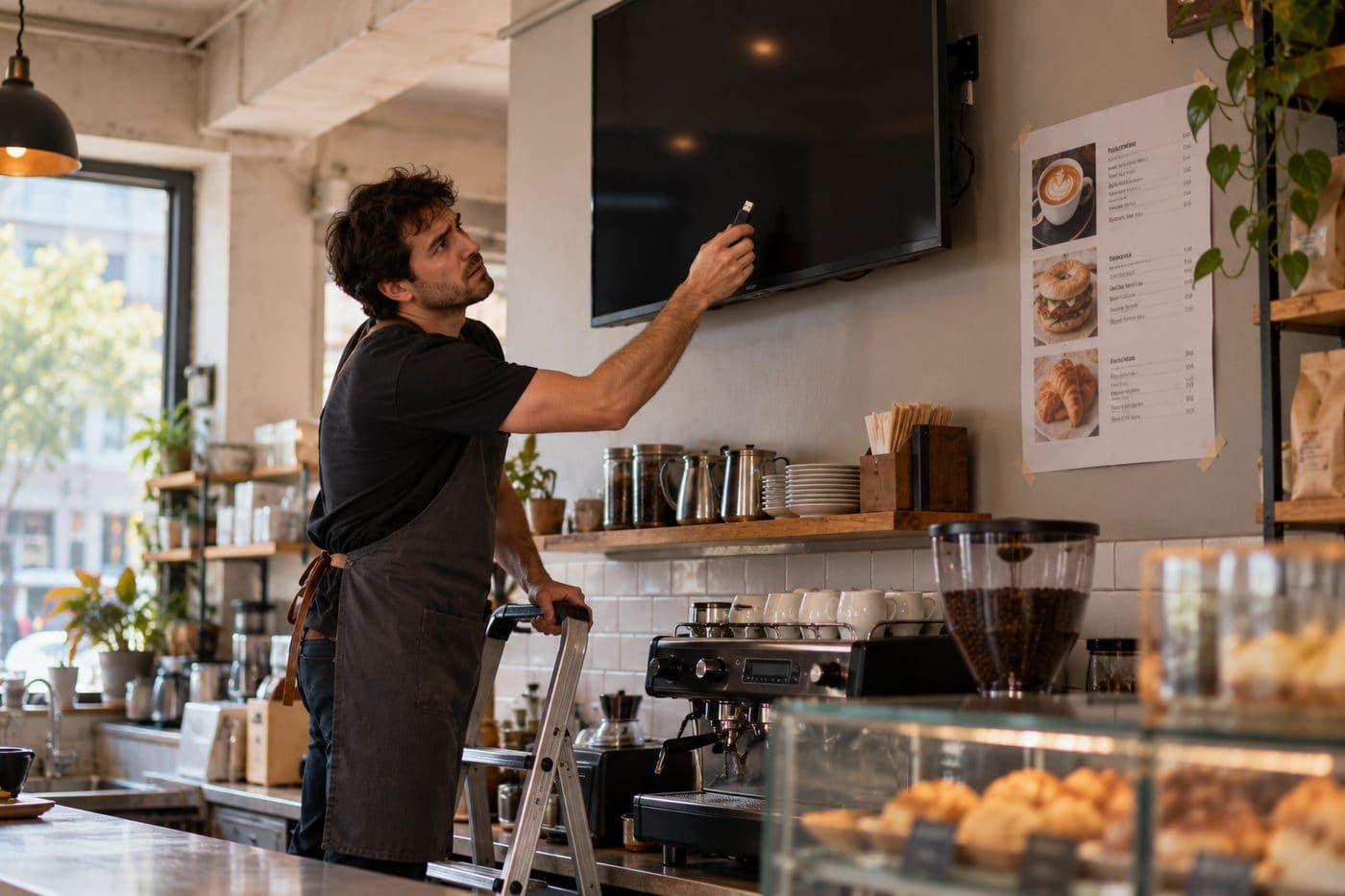
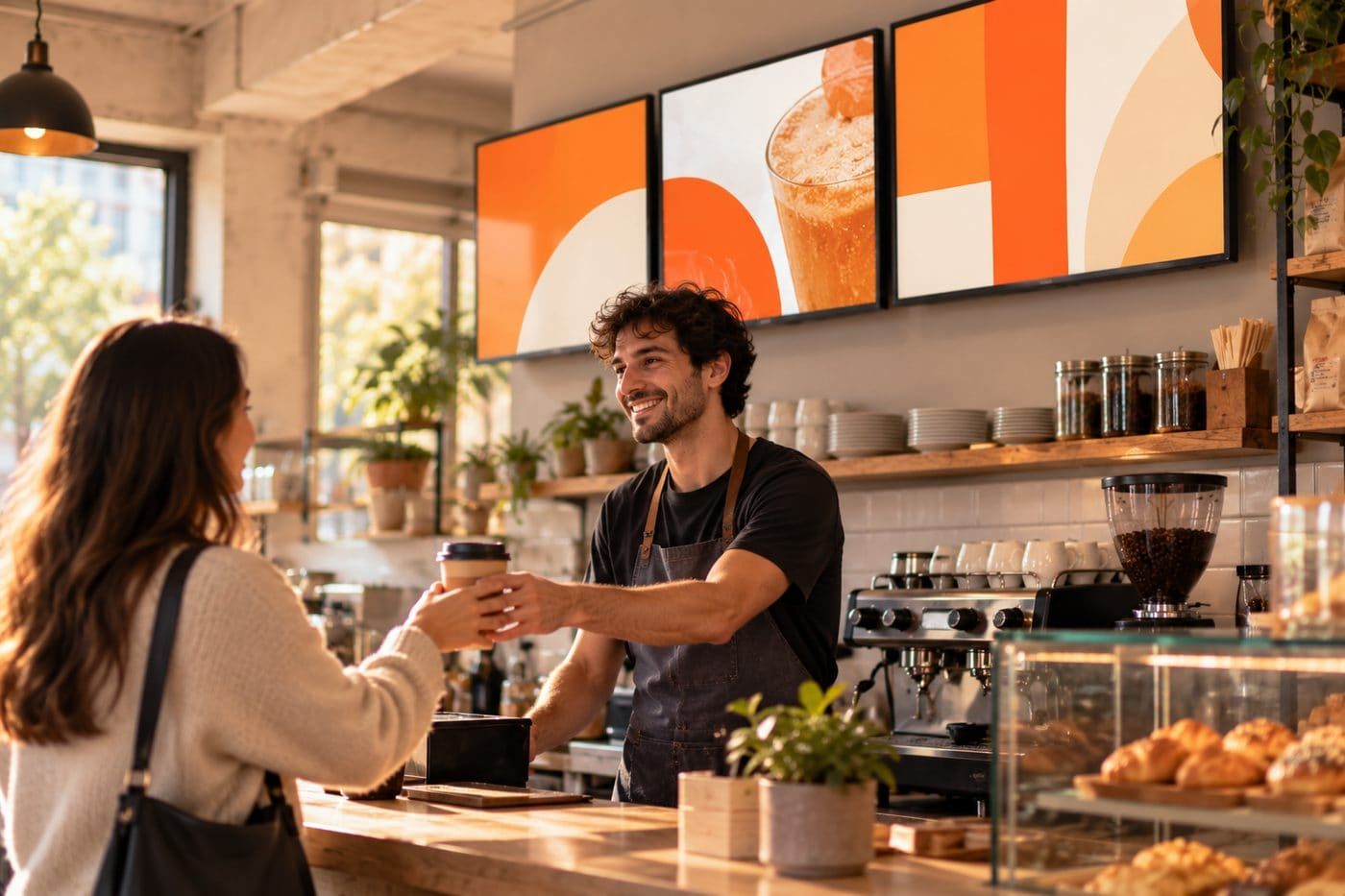
A café worker on a stepladder holding a USB stick up to a dark screen, with a paper menu taped to the wallThe same café with three bright screens above the counter and a barista serving a smiling customer
8:55am. The lunch menu still isn't up, and someone's up a ladder with a USB stick.
The usual way
UPDATING CONTENT
Someone drives to each site with a USB stick, or emails a store manager and hopes.
A SCREEN GOES DARK
A customer mentions it. Maybe. Days later.
MENUS BY TIME OF DAY
Staff swap slides by hand at 11am, when they remember.
APPROVALS
An email thread that ends in final_v7_REAL.png.
DIFFERENT SCREEN SIZES
Your designer exports eleven crops of the same poster.
PROVING IT WORKED
You assume it played.
TRY IT · LIVE DEMO

One screen. Four moods a day. Zero staff effort.

This is a café menu board on a Pixeliv schedule. Tap a time of day, or let it play, and watch the board change itself.


Flat white, almond croissant and overnight oats on a linen table in morning light
THE DAILY BEAN
GOOD MORNING
Start slow. Start here.
Flat white
4.50
Almond croissant
3.75
Overnight oats
5.00
Fresh pastries until 11:00
SCHEDULER · TODAY
06:0011:0014:3017:0021:00
THE RULE BEHIND IT
WhenMon–Sun · 06:00–11:00
PlayBreakfast board
OnCounter screens · 3 cafés
Set up byOnce. In 2 minutes.
Breakfast board is live. It swaps itself for lunch at 11:00. Nobody needs to touch the screen.
TRY IT WITH YOUR OWN CONTENT

Drop in your poster. See it on every screen you run.

One file, three very different screens. Tell us which part must stay in view and watch every format follow: the same job the copilot does for you automatically.

Your file stays in your browser. Nothing is uploaded.
Keep this part in view
MIDDLE LEFT
Tap where the price, product or face sits. Every crop keeps that spot on screen.
When the shape doesn't match
Previewing Sample · Daily Bean autumn poster.jpg
1 FILE · 3 SCREENS · 0 RE-EXPORTS
Your image on a portrait screen
TOTEM · 9:16
Your image on a landscape screen
MENU BOARD · 16:9
Your image on an ultrawide screen
ULTRAWIDE BOARD · 21:9
This is a sample. Drop in your own poster or menu to see it on every screen shape.
Start free
WHO IT'S FOR

Six people touch a screen network. Each gets their own door.

Pick the one that sounds like you. Roles keep each of them in their lane, so the café owner, the brand team and the installer can all work in the same workspace without stepping on each other.

A café owner checking her laptop at the counter before opening
OO
Owner-operator
Runs 1–5 cafés, restaurants or studios
"I'm the marketing team, the IT team and the person who opens at 6am. I just need the menu board to be right."
LIVES IN
SchedulerPlaylistsMedia library
WHAT KEEPS THEM UP
Prices and specials change weekly; printed boards don't
Sold-out items stay on screen and frustrate the queue
No designer, no time, no patience for complicated software
WHAT PIXELIV CHANGES
Breakfast, lunch and evening boards switch on their own
Change a price once and every board updates
Templates that look good without a designer
Start with your menu board
USE CASES

Built for the places people actually look up.
Start from what you want your screens to do. We'll show you who's doing it.
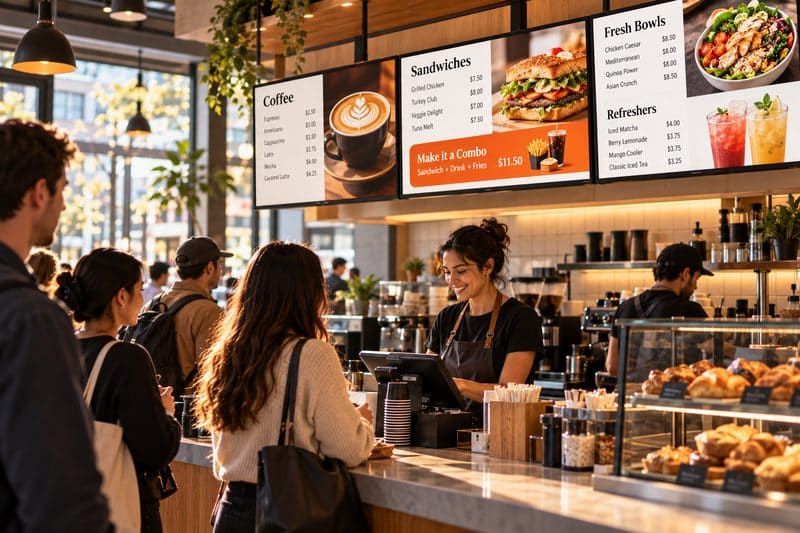
Busy café counter with three digital menu boards above the barista
16:9 MENU BOARDS
Cafés, QSR & restaurants
Menu boards that change with the daypart, hide sold-out items and stay readable from the back of the queue.
DaypartingSold-out syncPOS feed
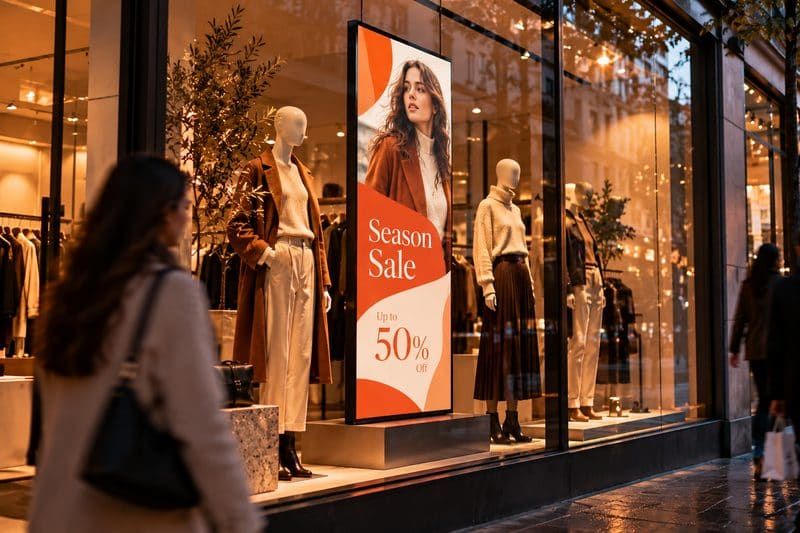
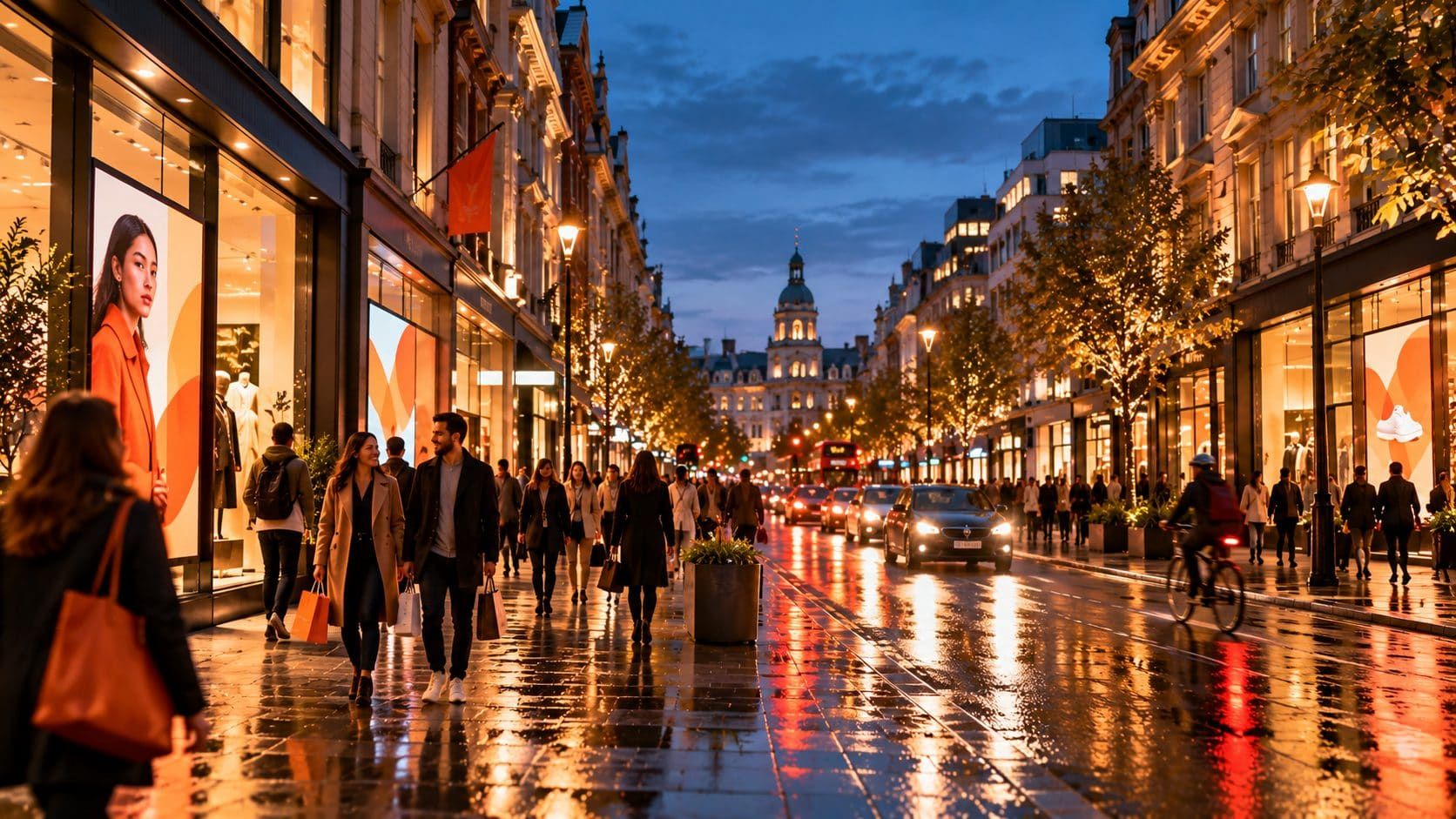
Boutique shop window at dusk with a portrait screen showing a season sale
9:16 WINDOWS
Retail storefronts
Window promos that change with the weather or stock levels, and one price update that lands in every store at once.
Stock triggersRegional pricing
Shopping centre atrium with freestanding portrait screens
PORTRAIT TOTEMS
Shopping centres & landlords
Sell slots on mall screens to tenants and brands, then hand them proof it played.
Slot bookingPoP export
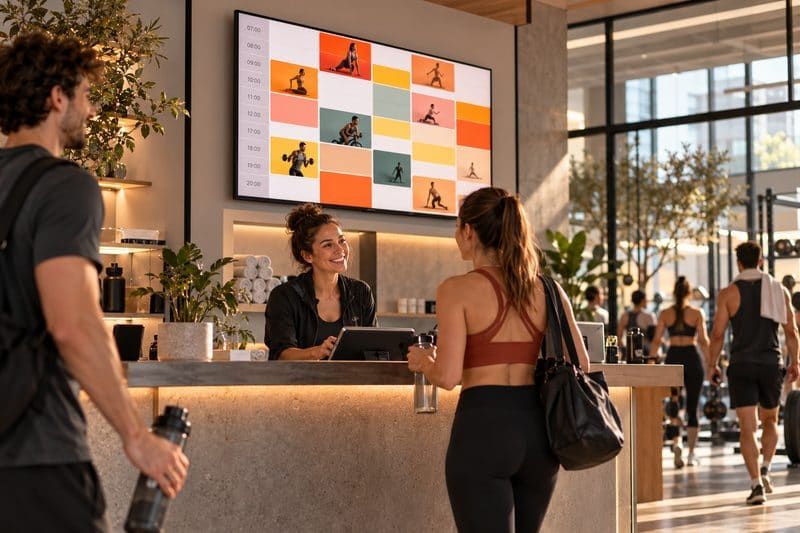
Gym reception with a class timetable on a wall screen
STUDIO SCREENS
Gyms & fitness studios
Class timetables, spots left and member offers, updated without anyone at the front desk lifting a finger.
Class feedsMember offers
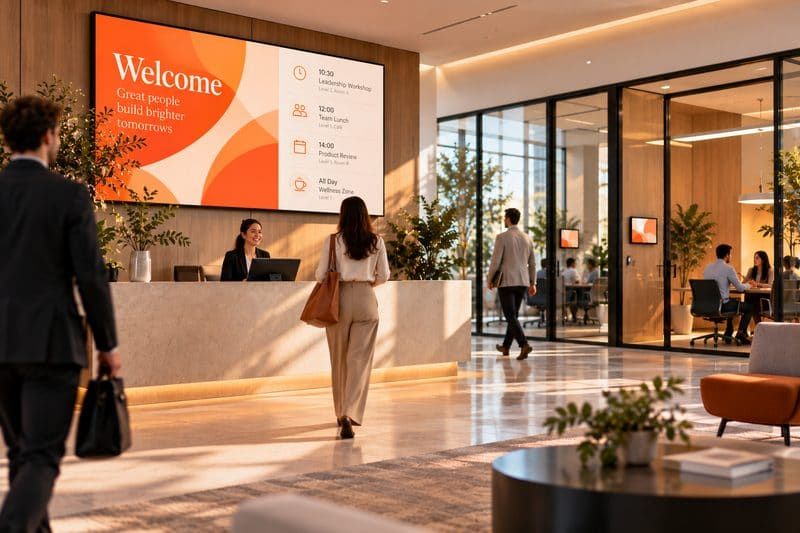
Office lobby with a large welcome and agenda screen behind reception
LOBBY & ROOMS
Offices & workplaces
Lobby welcomes, room schedules and team dashboards, with approvals so the wrong slide never goes up.
DashboardsApprovalsSSO-ready
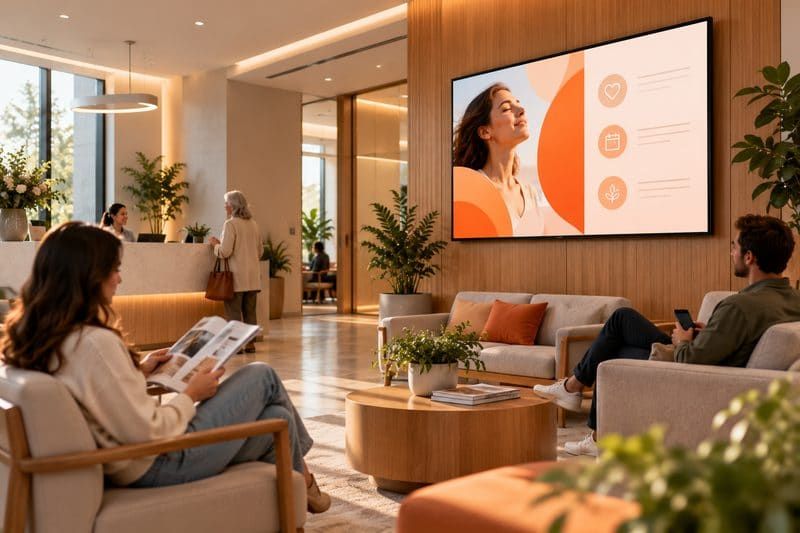
Calm clinic waiting room with a wall screen
WAITING AREAS
Clinics & waiting rooms
Queue updates, service info and health tips that make the wait feel shorter and the front desk quieter.
Queue infoScheduled notices
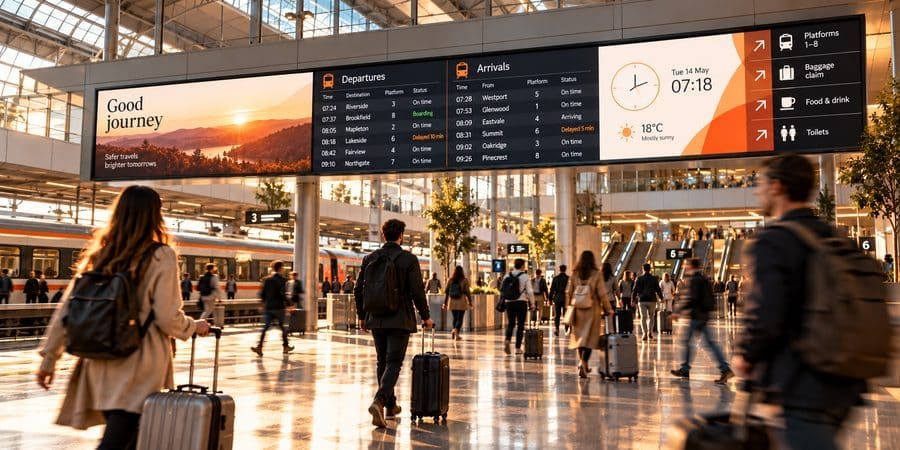
Station concourse with a long departures and wayfinding board
21:9 BOARDS
Transit, venues & events
Live times, wayfinding and agendas on ultrawide boards, plus an emergency override that reaches every screen in seconds.
Live feedsOverride
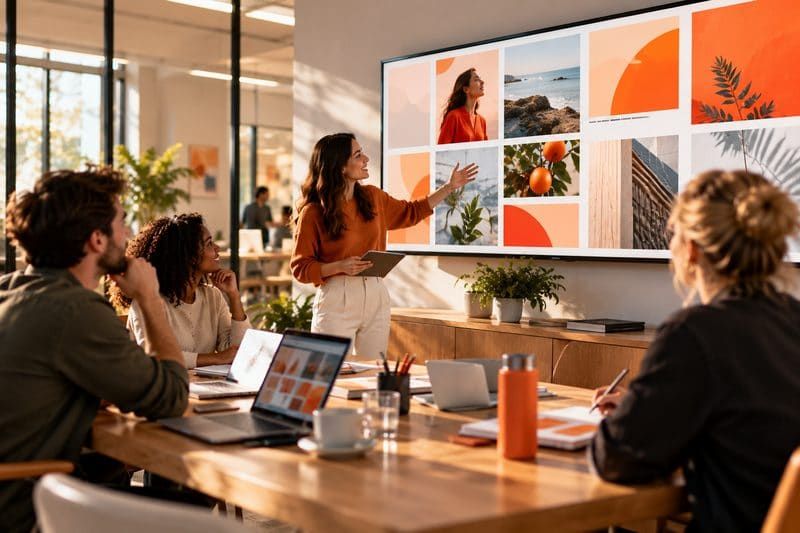
Agency team reviewing a grid of ad creative on a large screen
MULTI-CLIENT
Agencies & retail media networks
Run screens for many clients from one workspace, give each a guest login, and bill against proof-of-play.
Client guestsFlight gantt
Car showroom with a large feature screen behind an SUV
SHOWROOM WALLS
Dealerships & showrooms
Feature in-stock models and current offers that update as inventory moves off the floor.
Inventory feedOffers
THE PRODUCT

Learn one screen and the rest behave the same way.
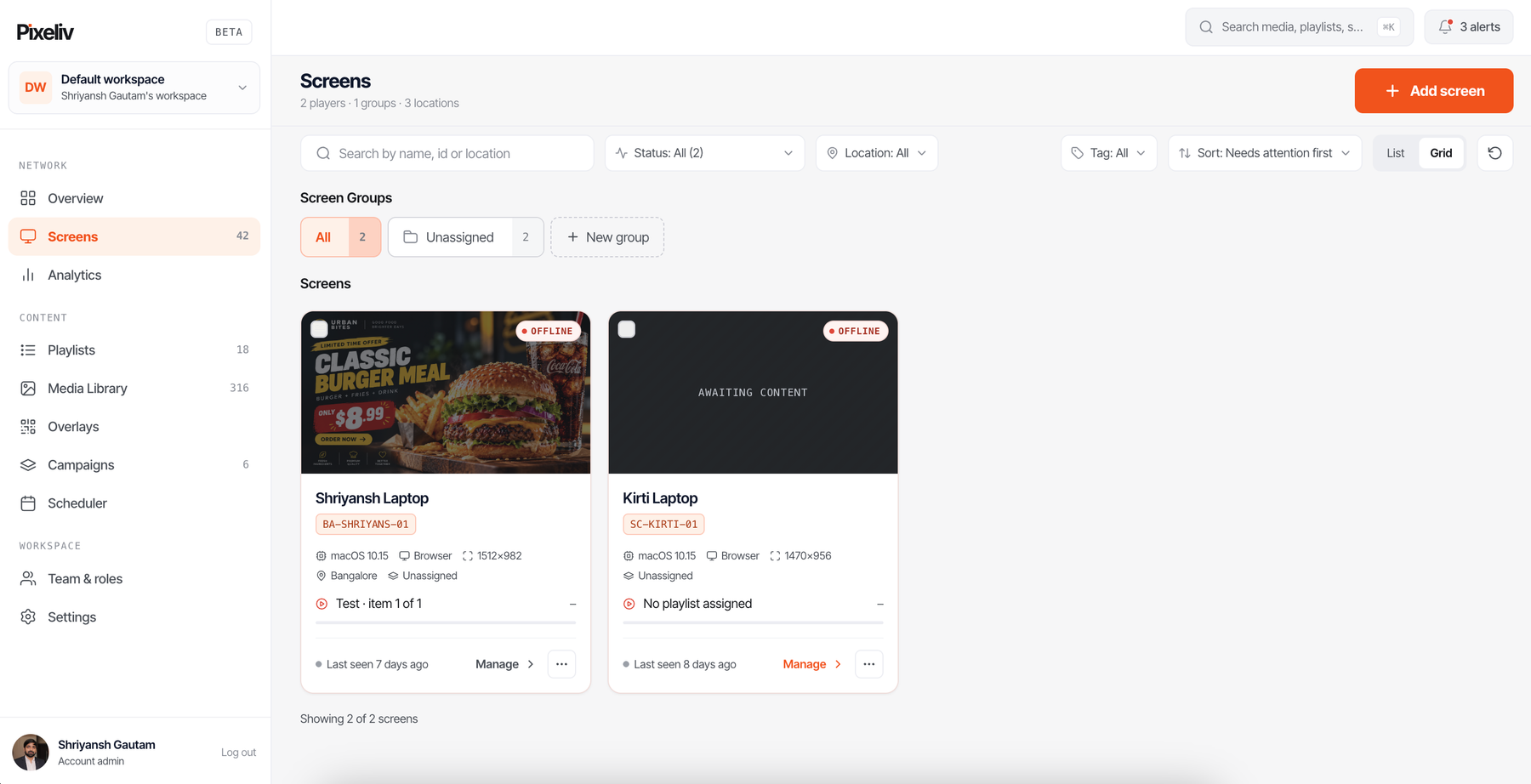
See every screen, and the ones that need you first.
Live thumbnails of what each screen is playing right now
Online and offline status with last-seen time, sorted by "needs attention first"
Group by location or tag, filter by status, then manage a whole group at once
app.pixeliv.com/dashboard/screens
Pixeliv Screens page showing two screens with offline status, live thumbnails and last-seen times
AI COPILOT

It watches the network so you don't have to.

The copilot reads your schedule, your creative and your play data, then tells you the one thing worth fixing, in a sentence, with a button that fixes it. Go on, press one.

0 OF 3 SUGGESTIONS APPLIED
Completion drops to 71% between 17:00 and 19:00. Your hero video is longer than people stand at the counter.
SUGGESTS A 10-SECOND EVENING CUT
One 16:9 upload can become 9:16 and 21:9 versions, cropped to keep the price legible.
AUTO-RESIZE · 3 RATIOS
Two campaigns both claim the 12:00–14:00 slot at Fulton Mall on Saturday.
CONFLICT CAUGHT BEFORE AIR
HOW IT WORKS

Live on your first screen in about four minutes.
01 · PAIR
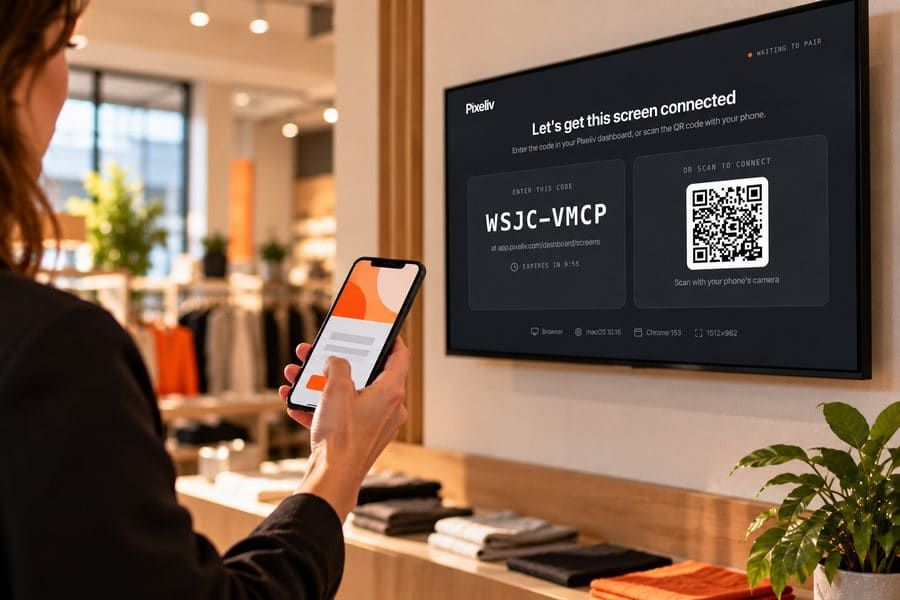
A store manager pairing a wall screen by scanning its QR code with a phone
Plug in and pair

Any smart TV, Android player, Chrome device, Raspberry Pi or browser. A short code on the screen, or a quick QR scan, is the whole setup. No truck roll.
02 · BUILD
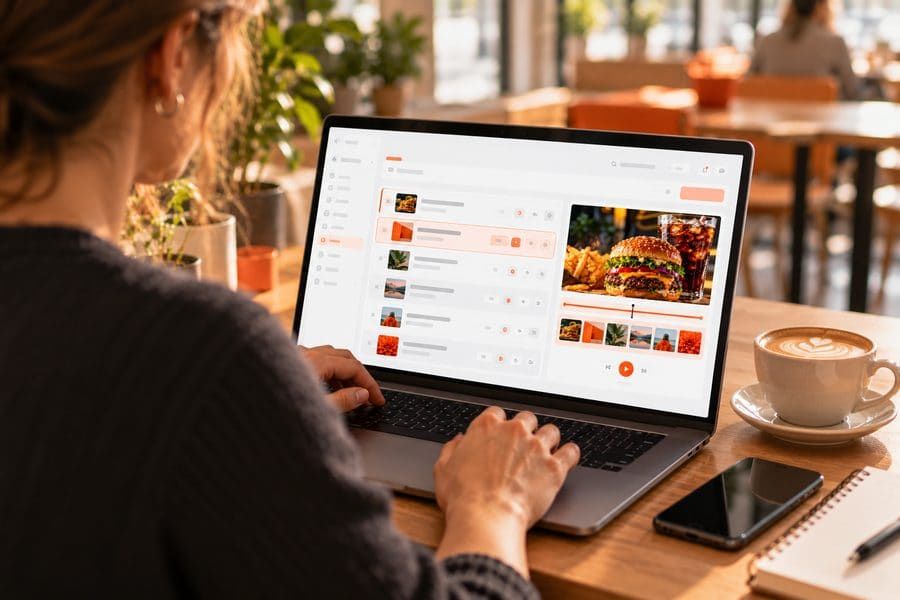
Someone building a playlist in the Pixeliv dashboard on a laptop in a café
Build a loop

Drop in video, images, PDFs, web pages or live feeds. Set durations, and let the copilot resize one creative into every aspect ratio you run.

03 · SCHEDULE & PROVE
A warehouse manager checking play analytics on a tablet
Schedule and prove it

Pick dayparts, locations or triggers. Proof-of-play shows exactly what ran, where and how often, ready to share or invoice against.

WHAT'S IT WORTH TO YOU?

How many hours do your screens cost you each month?

Set your numbers. The math is simple and on the page.

Screens
Across all your locations
12
Locations
Sites with at least one screen
4
Content updates a month
New promos, prices, notices
6
Minutes per location, per update
Travel, USB sticks, calls to staff
30
HOURS BACK EVERY MONTH
11.5
That's about 138 hours a year, 3.5 working weeks.
The usual way12 h / month
With Pixeliv0.5 h / month
WHAT IT WOULD COST
Growth · 12 screens · $150 / month
About $13.04 for every hour it gives back. Billed yearly.
How we count it: the usual way = locations × updates × minutes per location. With Pixeliv, each update is published once to every location. We assume about 5 minutes. Cost uses yearly billing in USD.
Get those hours back
PRICING

Pay per screen. Nothing else to buy.

Run one screen free, forever. Or try any paid plan free for 14 days on up to five screens. No card, no hardware lock-in.

Free
One screen, free for good. Try signage without a budget.
$0
forever
1 screen · no card needed
Get started free
Everything to run one screen:
1 screen with a live thumbnail
Playlists and media library
Basic daypart scheduling
Starter templates
Small Pixeliv badge on screen
Help centre support
Starter
One location, a few screens, no fuss.
$9
$7.50
per screen / month
$90 per screen, billed yearly
Start 14-day free trial
Everything to get screens running:
Screens, playlists and media library
Daypart scheduling
Ready-made templates
Images, video, PDFs and web pages
Email support
Most popular
Growth
Multiple locations and a team that needs control.
$15
$12.50
per screen / month
$150 per screen, billed yearly
Start 14-day free trial
Everything in Starter, plus:
Campaigns with proof-of-play
Analytics by screen, location and hour
AI copilot: resize and suggestions
Roles and approval gates
Live apps and data feeds
Priority support
Enterprise
Large networks, agencies and retail media.
Custom
volume pricing
For 50+ screens · annual agreement
Talk to sales
Everything in Growth, plus:
SSO and full access log
Client guest workspaces
Security review pack and DPA
Uptime SLA
Dedicated onboarding
Free forever on one screen
14-day free trial on paid plans
Add or remove screens any time
Works on hardware you already own
Running 50+ screens? Ask about volume pricing
We cut the time to get a promo onto 40 storefronts from two days to about four minutes.
DW
Dana Whitfield
Head of Retail Media, Northside Group
WHY SCREENS AT ALL?
~4×
more views for digital displays than static signs in the same spot.
Intel & Arbitron out-of-home video study
+32%
more units sold of items featured on in-store screens.
Nielsen on-premise digital media study
TRUST & SECURITY

Built to pass your IT review, not just your demo.

SOC 2
TYPE II
99.9%
UPTIME
GDPR
CONFIRM
SOC 2 Type II audited
Independently audited controls. The report is available to customers under NDA.
Six roles, scoped by location
From owner to client guest. A store manager only ever sees their own screens.
Approval gates
Nothing reaches a screen until the right person signs it off.
Full access log
Who published what, to which screen, and when, searchable and exportable.
SSO-ready
Sign in with your company identity provider.
Encrypted end to end
Content encrypted in transit and at rest.
FAQ

Questions people ask before they plug in.

Something else? , a real person replies.
Put something good on every screen tonight.

Free forever on one screen. Need more? Try any paid plan free for 14 days. Keep your hardware, keep your content, cancel whenever.

NO CARD REQUIREDSOC 2 TYPE II99.9% UPTIME